

Introducing our Zapier integration!
Zapier lets you connect BrightHR with up to 5,000+ other web services. Automated connections called Zaps, can be set up in minutes with no coding to automate your day-to-day tasks and save you more time to do the important things.
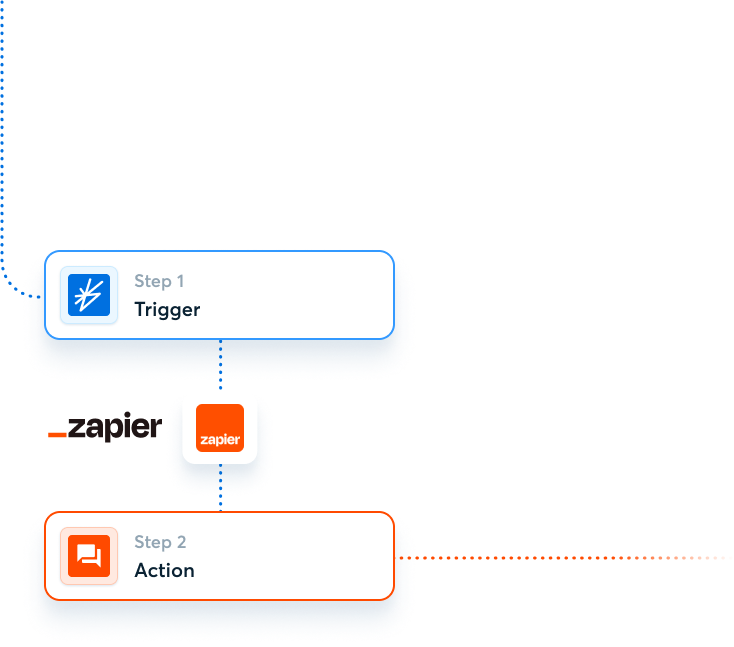
How it works
1. Sign up for a free Zapier account. It’s easy!
![]()
2. Create your Zap
Top Tip: Try one of our ready made templates, we’ve already done the hard part for you.


![zapier stage 2]()
3. Enjoy all the free time you’ll save with this handy Zap!

![]()


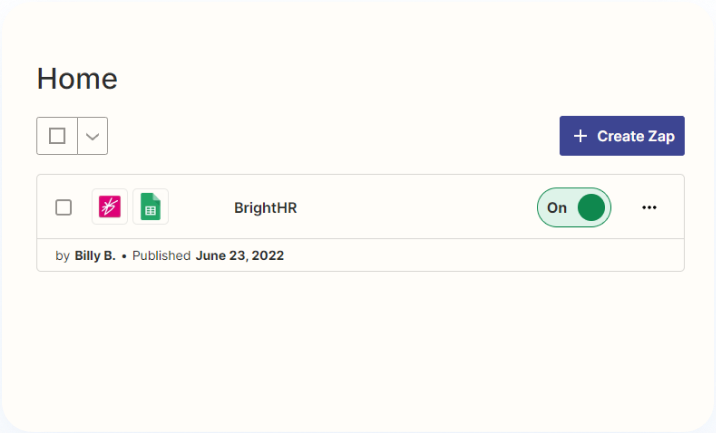


Custom Workflows
Feeling adventurous? You can also build a custom workflow that are tailor-made for you.
This is where your superpowers will really take flight.
1
Log in to your Zapier account and go to the Zap Editor or select Create a Zap from the Zapier Dashboard.
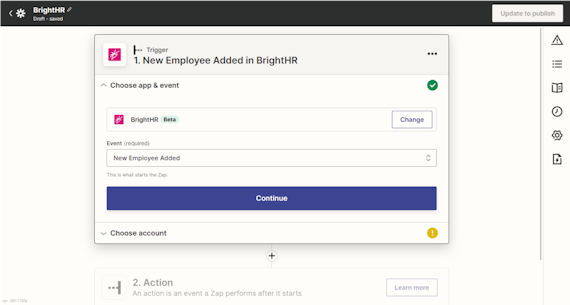
Type “BrightHR” in the Choose a Trigger App search box and select the BrightHR app.


2
Select an Event from the list, such as New Employee Added and hit continue.

3
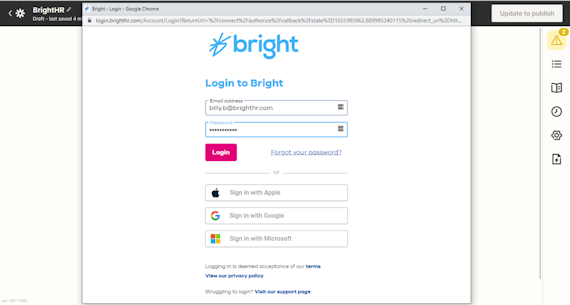
Choose an account and you can connect a new account. You’ll be directed to BrightHR and asked to login using your BrightHR details.

4
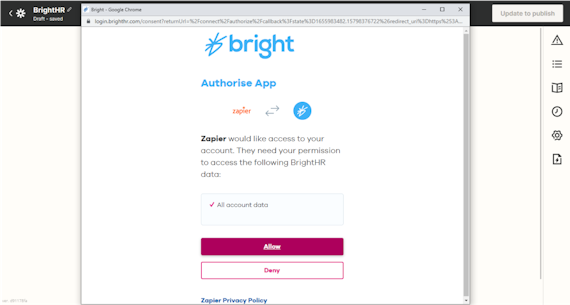
Next just authorize Zapier for BrightHR and select a default BrightHR profile for it to use.

5
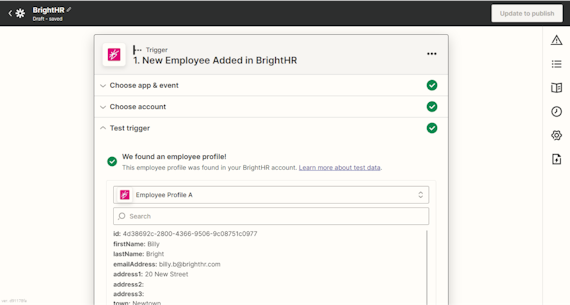
Test your trigger to make sure it works.

6
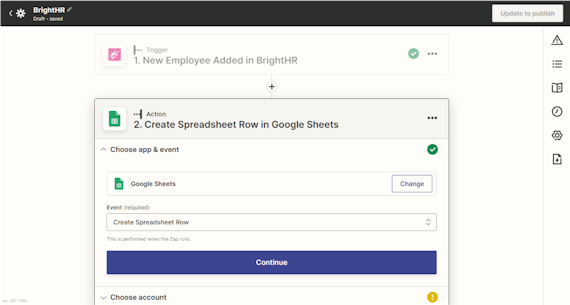
Now it is time to add an Action. This is what Zapier will do when your ‘Trigger’ occurs.

7
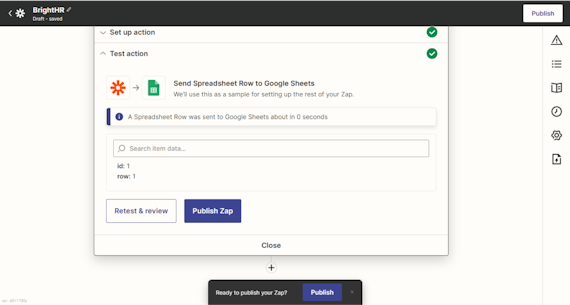
Once you’re ready just publish your Zap to switch it on!

Need some help? Check out our Zapier Help and Support Docs.